
How do I create a QR code?
Published on: 04/11/2026
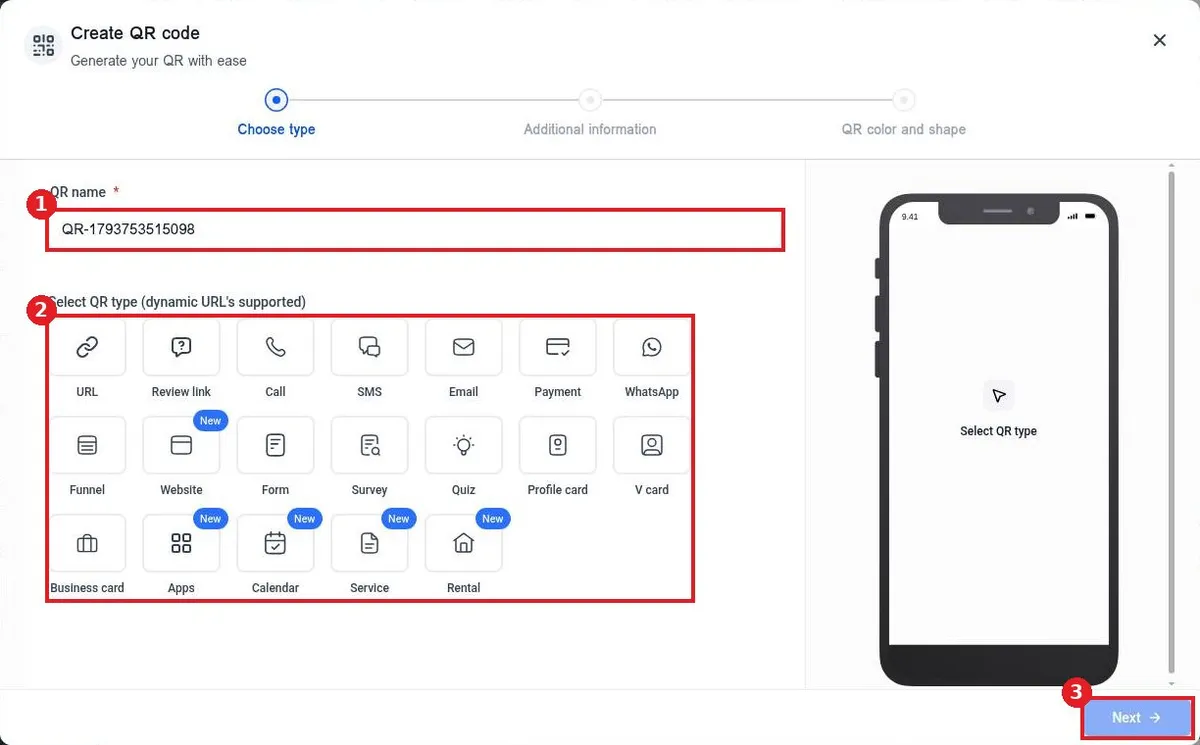
Create a QR code in Reachific: go to Sites, QR Codes, click Create QR code, name it and pick a type such as URL, add the link or details, set colors, shape and logo, then click Save and download it.
QR codedynamic QRprint marketinghelp center